How To Reduce Appointment No-Shows With Automation
March 23, 2026 5 min readBy Shannon Martel
No-shows are one of the most frustrating, and costly, problems for appointment-based businesses. You block off time, prepare for the appointment, and then... the customer doesn't show up. The time is gone. The revenue is gone. And there's often nothing you can do about it.
But no-shows aren't inevitable. They're a symptom of a missing system. And the right system can reduce them dramatically.
Why No-Shows Happen
Most no-shows aren't intentional. They happen because:
The customer forgot
The customer wrote down the wrong time or date
The customer meant to reschedule but never got around to it
The customer didn't receive a confirmation
The customer had something come up and didn't know how to reach you
Every one of these is preventable with the right system.
The Automated No-Show Reduction System
1. Immediate Confirmation
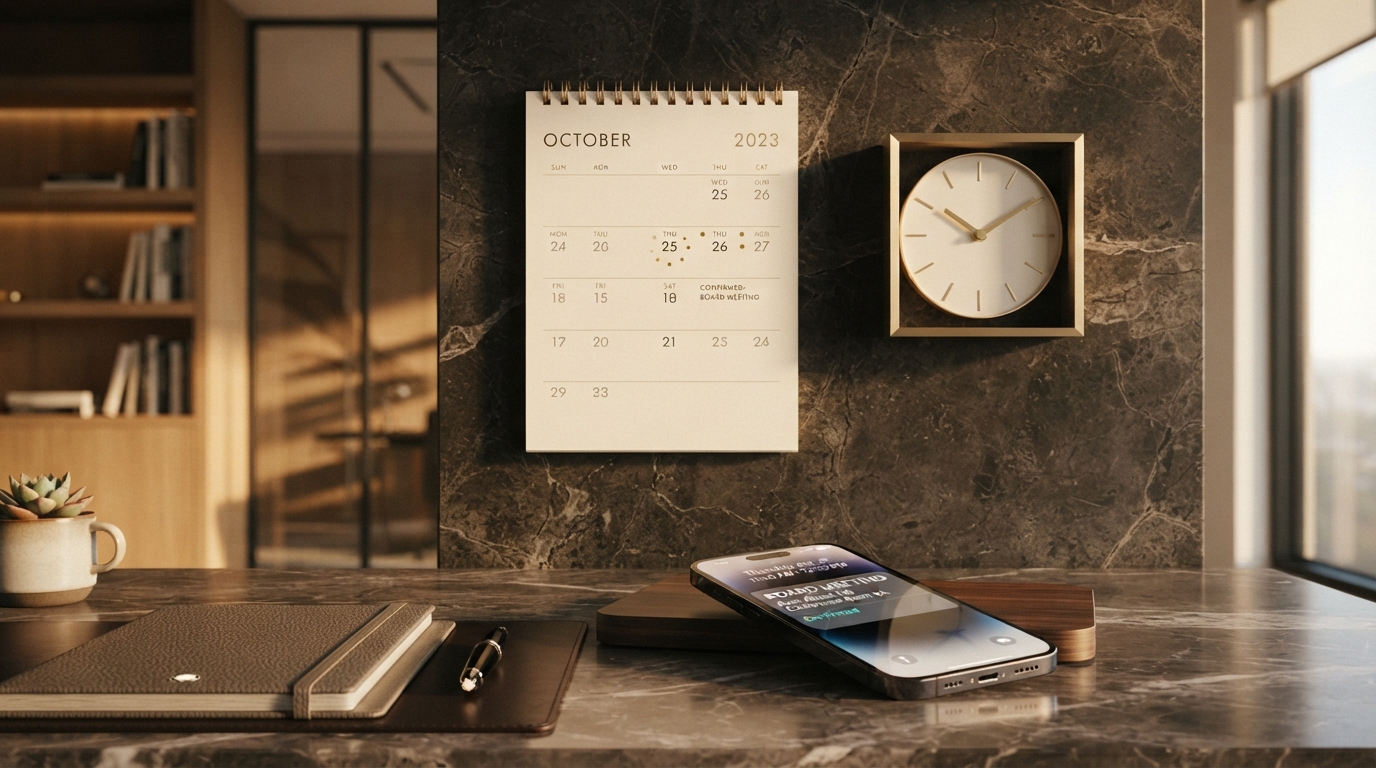
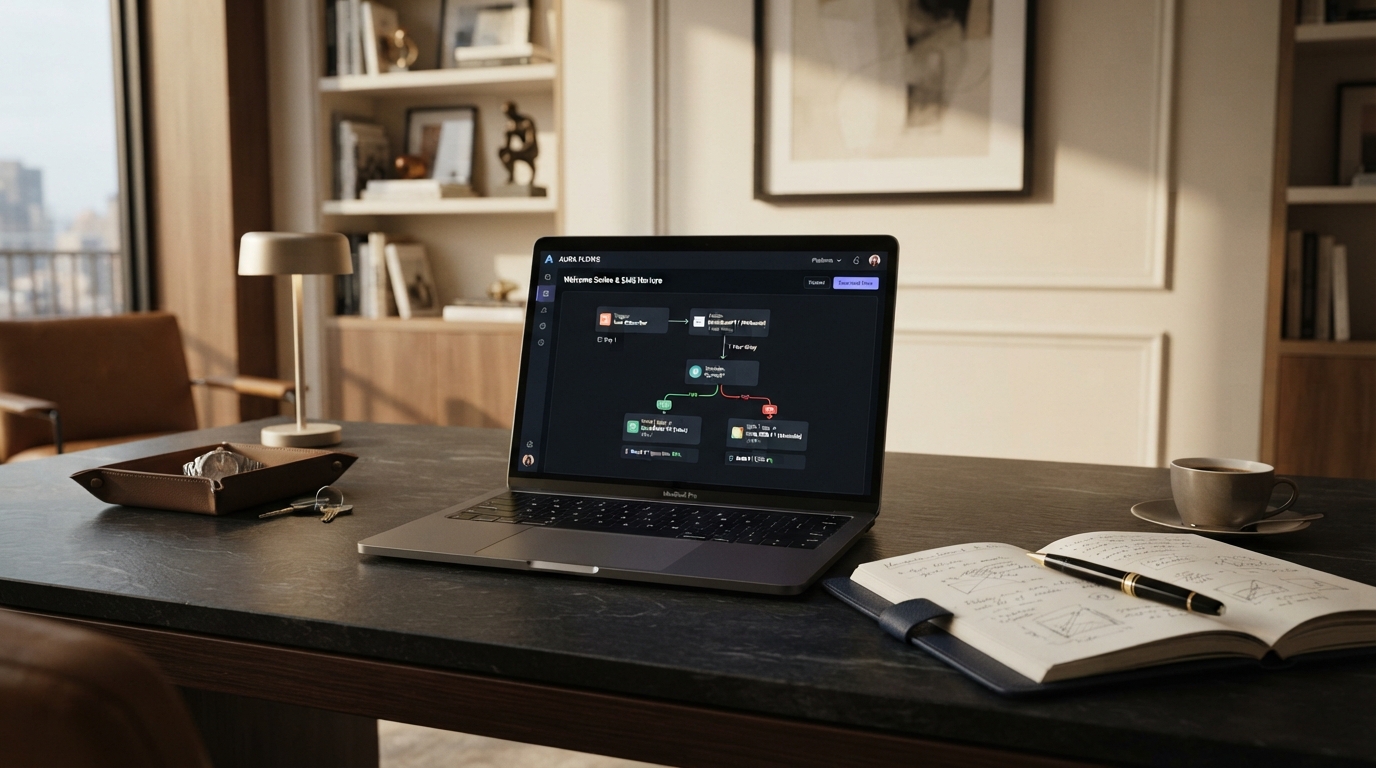
When an appointment is booked, the customer immediately receives a confirmation via SMS and email. This confirms the details and sets expectations.
2. Automated Reminders
Reminders are sent at strategic intervals, typically 24 hours before and 1 hour before the appointment. A simple text reminder dramatically reduces no-show rates.
Calculate Your No-Show Recovery Opportunity
The financial impact of inconsistent follow-up depends on your lead volume, average customer value, close rate, and current process. Instead of relying on averages, estimate the opportunity using your own numbers.
Include a rescheduling link in every reminder. If the customer needs to change the appointment, they can do it themselves, rather than just not showing up.
4. Confirmation Requests
For high-value appointments, ask the customer to confirm via text. If they don't confirm, your team can follow up or offer the slot to someone else.
5. Follow-Up After No-Show
If a customer does no-show, an automated message reaches out to reschedule. Sometimes it was a genuine mistake, and a gentle nudge is all it takes to get them back on the calendar.
The Impact
Businesses that implement automated reminders and confirmations typically see no-show rates drop significantly. The system handles the reminders automatically, no manual effort required, and the recovered time and revenue speak for themselves.
No-shows aren't inevitable. They're a symptom of a missing system. Add the system, and the no-shows shrink.
Frequently Asked Questions
Online Booking Systems
Make it easy for prospects to schedule appointments without phone tag.
The calculator can help estimate where opportunities may be at risk. A Visionary Edge Growth Systems Audit examines what is actually happening across your lead capture, follow-up, booking, sales, reputation, and retention systems.